
 Minecraft
 Hytale
 Discord Bot Hosting
 Minecraft Hosting
 Hytale Hosting
How to Install Plugins on a Minecraft Server (2026 Tutorial)
Step-by-step guide to installing plugins on your Minecraft server. Works with Paper, Purpur, and Spigot.

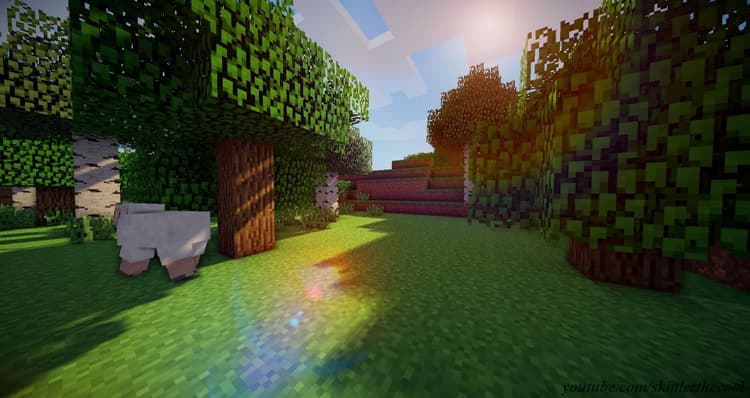
Minecraft plugins are powerful tools. At some point, You probably went on an public Minecraft server and found all these cool features that normally aren’t available in Vanilla Minecraft.
Uploading and installing plugins on your Minecraft server is actually an easy task, especially if you’re on SodiumNodes. All you have to do is upload the plugin, restart the server and configure it. Let’s do this in detail.
Requirements for Installing Minecraft Plugins
Before installing plugins on your Minecraft server, you will have to make sure you have Paper, or at least Spigot, as your server software. Minecraft plugins are not compatible with Vanilla Minecraft, as they use some code from PaperMC and/or Spigot.
If you want to use the one-click Minecraft plugin installer
If you have a Minecraft server hosted on SodiumNodes, you’re in luck! All you have to do is go to the Plugins tab on the panel and click on “Install”.
If you want to install a Minecraft plugin manually
If you don’t have this feature, you’ll have to download the Minecraft plugin for Spigot, go to your server, go to files, and click “Upload”. Restart the server and you’re good to go.
Conclusions
Installing a Minecraft plugin is relative simple and straightforward. Whether you’re using Spigot, Bukkit, or Paper, the steps are the same.
The next step you might want to take is configuring your plugin.
Your Minecraft server, ready in seconds.
Why wait any longer?
With SodiumNodes, your server is deployed is 60 seconds away from being yours.
DDoS protection: Stay online during raid attacks.
AMD CPUs: No lag, even with several mods or plugins.
Custom Mod Support: Run Fabric, Forge, or Paper mods/plugins.
Friendly customer support: Real answers in under 10 minutes.